How to Improve an Agent: Part 1 - Parallel Tool Use
It’s not that hard to build a fully functioning, code-editing agent, but what if we wanted to make it even more capable?
Turns out, it doesn’t take much iteration to drastically improve the system.
What We’re Building
This series will demonstrate how to build a multi-agent system inspired by Anthropic’s research system. We’ll start with Thorsten Ball’s excellent How to Build an Agent and extend it into a powerful multi-agent architecture for editing code.
We’ll begin iterating with parallel tool calling.
Prerequisites
Before starting, you’ll need:
- Go installed on your system
- Basic understanding of LLM tool use (function calling)
- An Anthropic API key
- The basic agent from Ball’s tutorial (we’ll build on top of it)
I highly recommend implementing Ball’s basic agent first. It’s surprisingly simple: just a loop that gives an LLM tools and executes them. Our improvements will extend this foundation.
Adding Parallel Tool Calling
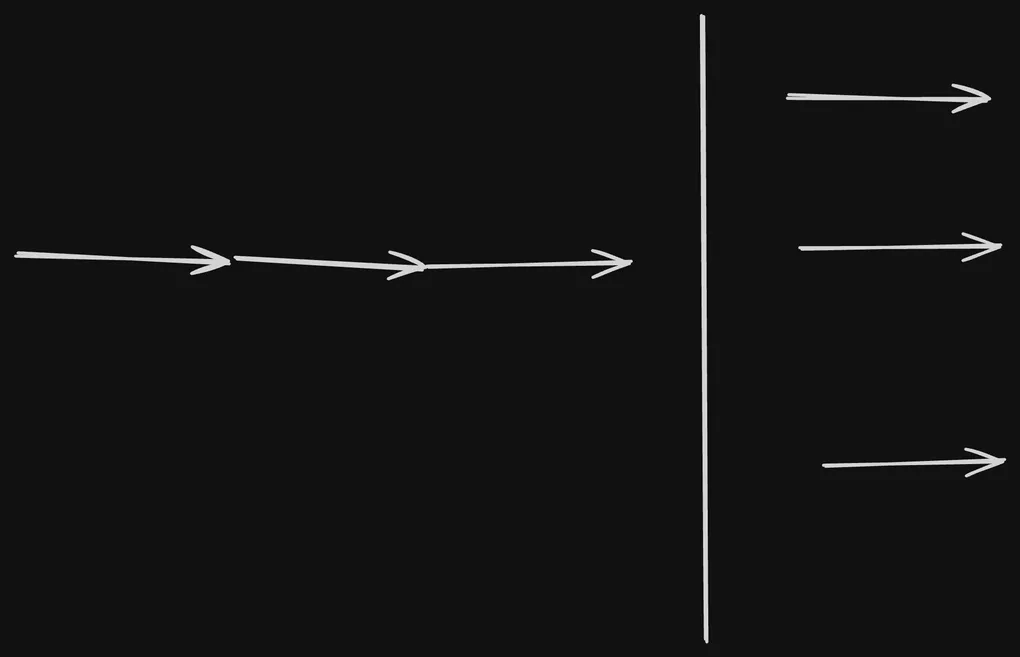
Parallel tool calling forms the foundation of a multi-agent system. Without it, it’s difficult to build a system that can handle tasks in a timely manner.
In my experience, by default LLMs will call tools one at a time.
- Read file A
- Wait for result
- Read file B
- Wait for result
- Process both files
This is inefficient! We want the agent to request multiple tools at once when the operations are independent. Here’s how:
// Extend the Agent struct to accept a system prompt
type Agent struct {
    client         *anthropic.Client
    getUserMessage func() (string, bool)
    tools          []ToolDefinition
    systemPrompt   string  // New field
}

// Update the constructor
func NewAgent(
    client *anthropic.Client,
    getUserMessage func() (string, bool),
    tools []ToolDefinition,
    systemPrompt string,
) *Agent {
    return &Agent{
        client:         client,
        getUserMessage: getUserMessage,
        tools:          tools,
        systemPrompt:   systemPrompt,
    }
}

// In main(), add this system prompt
func main() {
    systemPrompt := `You are Claude, a helpful AI assistant created by Anthropic.
You have access to various tools that can help you assist users more effectively.

Be helpful, harmless, and honest in all your interactions.

For maximum efficiency, whenever you need to perform multiple independent operations, invoke all relevant tools simultaneously rather than sequentially.`

    // ... rest of main setup
}
Why this works: Modern LLMs like Claude can understand when operations are independent and will call multiple tools in a single response. This simple prompt engineering technique can speed up operations by 3-5x for tasks like analyzing multiple files. The magic here is the inclusion of For maximum efficiency, whenever you need to perform multiple independentoperations, invoke all relevant tools simultaneously rather than sequentially.
Try it with: “Explain and summarize all the code files in this repository” - you’ll see the agent call read_file multiple times in one response!
Executing the Tools Concurrently in Go
While Step 1 made the agent request tools in parallel, we’re still executing them sequentially in our code. Let’s fix that using Go’s excellent concurrency features:
// First, define structures for concurrent execution
type toolExecutionResult struct {
    index  int
    result anthropic.ContentBlockParamUnion
    err    error
}

type toolUseInfo struct {
    id    string
    name  string
    input json.RawMessage
}

// Concurrent execution function
func (a *Agent) executeToolsConcurrently(toolUses []toolUseInfo) []anthropic.ContentBlockParamUnion {
    if len(toolUses) == 0 {
        return nil
    }

    results := make([]anthropic.ContentBlockParamUnion, len(toolUses))
    resultChan := make(chan toolExecutionResult, len(toolUses))

    // Launch a goroutine for each tool
    for i, toolUse := range toolUses {
        go func(index int, tu toolUseInfo) {
            // Execute the tool (this might take time - file I/O, network calls, etc.)
            result := a.executeTool(tu.id, tu.name, tu.input)

            // Send result back through channel
            resultChan <- toolExecutionResult{
                index:  index,
                result: result,
                err:    nil,
            }
        }(i, toolUse)
    }

    // Collect all results, preserving order
    for i := 0; i < len(toolUses); i++ {
        execResult := <-resultChan
        results[execResult.index] = execResult.result
    }

    return results
}
This is the core of the concurrent execution. Instead of waiting for each tool to finish, we create a channel and launch a goroutine for each tool. The goroutine sends the result back through the channel as the execution finishes.
Now update the main Run method to use concurrent execution:
func (a *Agent) Run(ctx context.Context) error {
    // ... existing code ...

    // Collect all tool uses from the response
    toolUses := []toolUseInfo{}
    for _, content := range message.Content {
        switch content.Type {
        case "text":
            fmt.Printf("\u001b[93mClaude\u001b[0m: %s\n", content.Text)
        case "tool_use":
            toolUses = append(toolUses, toolUseInfo{
                id:    content.ID,
                name:  content.Name,
                input: content.Input,
            })
        }
    }

    // Execute all tools concurrently
    toolResults := a.executeToolsConcurrently(toolUses)

    // Continue conversation with results...
}
Why this matters: If the agent requests 5 file reads, each taking 100ms, sequential execution takes 500ms while concurrent execution takes only 100ms. For I/O-bound operations (file reads, API calls), this is a massive improvement.
Conclusion
With just two simple improvements, prompt engineering and concurrent execution, we’ve significantly enhanced our agent’s performance. By adding a single line to the system prompt, we enabled the LLM to request multiple tools in parallel. Then, with Go’s goroutines and channels, we ensured those tools execute concurrently rather than sequentially. But this is just the beginning. Parallel tool calling lays the groundwork for more sophisticated multi-agent architectures.
Next, we’ll build a task management system for our agent.